How to Get Microsoft Copilot Pro for Free in Nepal Using Student Benefits
Introduction
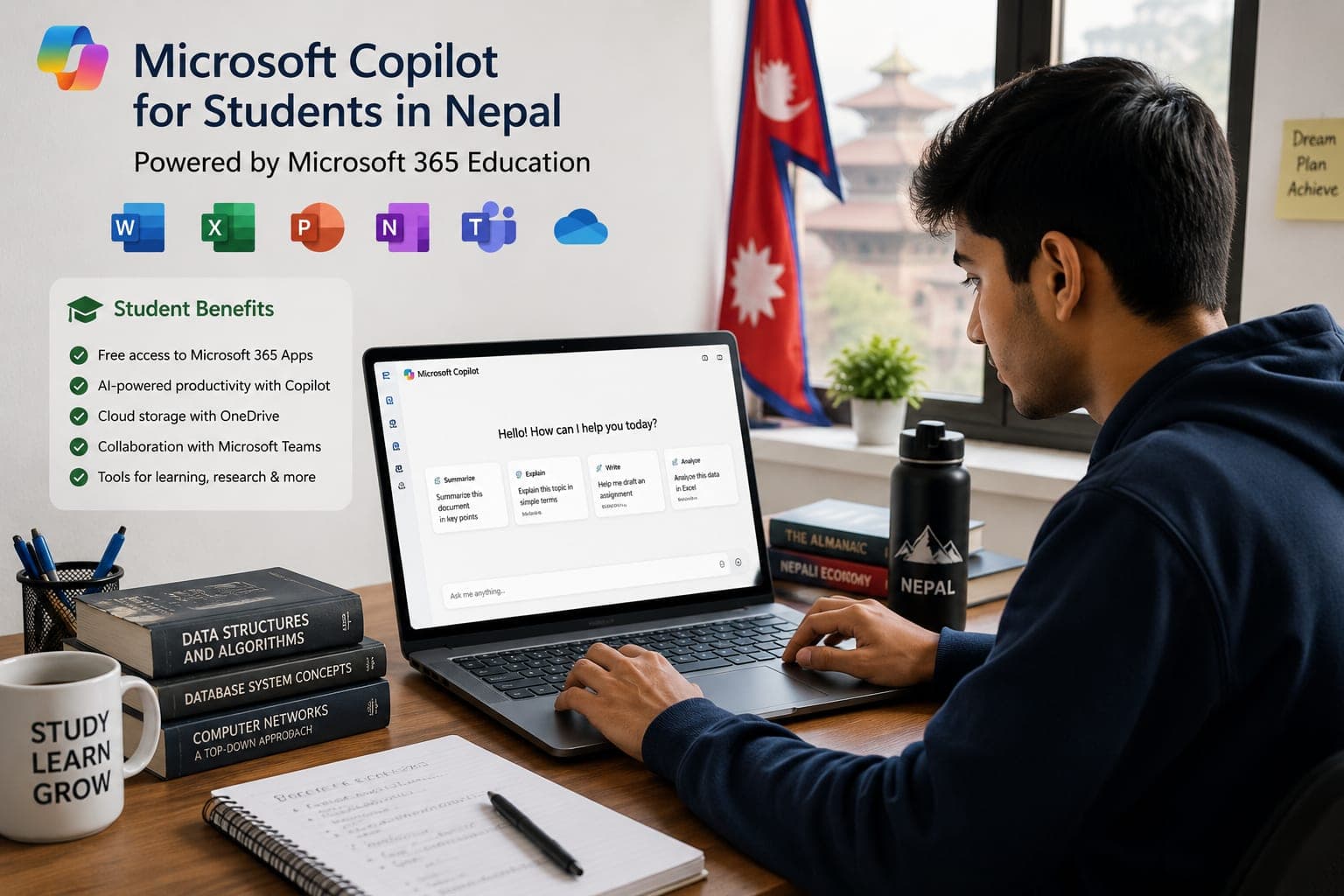
Artificial intelligence has become an essential tool for students, developers, researchers, and content creators. Microsoft's Copilot integrates AI directly into the tools many students already use, including Word, Excel, PowerPoint, Outlook, and Visual Studio Code.
Many students in Nepal are unaware that educational institutions often provide access to Microsoft services through student benefits. Depending on your school, college, or university, you may be eligible for free or discounted Microsoft services that can help you access premium AI-powered features.
In this guide, we'll explain how students in Nepal can check their eligibility, activate Microsoft student benefits, and take advantage of Copilot-powered productivity tools.
What Is Microsoft Copilot?
Microsoft Copilot is an AI assistant developed by Microsoft that helps users:
- Generate content and assignments faster
- Summarize documents and research papers
- Create PowerPoint presentations
- Write and debug code
- Analyze Excel data
- Draft emails and reports
- Learn complex topics through conversational AI
Copilot works across Microsoft's ecosystem and can significantly improve productivity for students.
How Students in Nepal Can Check Eligibility
Microsoft offers education programs for students through eligible schools and universities.
To check your eligibility:
- Visit Microsoft's Education portal.
- Enter your school-issued email address.
- Verify whether your institution participates in Microsoft Education programs.
- Follow the verification process provided by Microsoft.
If your institution is eligible, you may receive access to Microsoft 365 Education services, which can unlock various productivity benefits.
Benefits of Microsoft Student Access
Students may receive access to:
| Feature | Benefit |
|---|
| Microsoft Word | Write assignments and reports |
| Excel | Data analysis and calculations |
| PowerPoint | Professional presentations |
| OneDrive | Cloud storage for projects |
| Teams | Online classes and collaboration |
| Visual Studio | Development tools for coding |
| AI-Powered Features | Enhanced productivity and learning |
These tools can save both time and money while improving academic performance.
How Copilot Helps Students
Research and Learning
Copilot can summarize long articles, explain difficult concepts, and help students understand complex topics faster.
Assignment Assistance
Students can generate outlines, improve grammar, and organize ideas more efficiently.
Coding and Development
For computer science and IT students, Copilot can:
- Generate code snippets
- Explain programming concepts
- Suggest bug fixes
- Improve development speed
Presentation Creation
Copilot can help create presentation structures, summarize notes, and generate content ideas for slides.
Copilot vs Free AI Tools
[table]
For students already using Microsoft Office, Copilot provides one of the most seamless productivity experiences.
Important Things to Know
Student benefits vary by institution and region. Not every educational institution in Nepal participates in Microsoft's education programs.
Microsoft may also change eligibility requirements, subscription offerings, and benefit structures over time.
Always verify the latest information directly through Microsoft's official education resources before making decisions based on promotional offers.
Conclusion
Microsoft Copilot can be a valuable productivity tool for students in Nepal, helping with research, writing, coding, presentations, and day-to-day academic work. If your school or university participates in Microsoft's education programs, you may be able to access premium Microsoft services through student benefits.
Checking your eligibility takes only a few minutes and could unlock powerful tools that help you study smarter and work more efficiently throughout your academic journey.